![leaddesk_logo_black.png]](https://onboard.leaddesk.com/hs-fs/hubfs/LeadDesk%20Logo%20and%20Symbol/leaddesk_logo_black.png?height=31&name=leaddesk_logo_black.png)
You can review and if needed edit the notes that agents have added o conversations.
In your Admin account:
- Go to the Overview page.
- Go to the Conversations subpage.
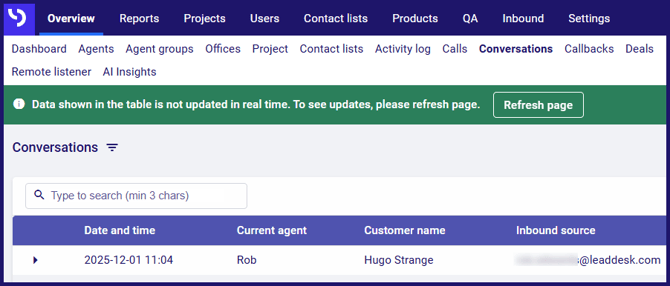
By default, the Conversations page shows you the conversations for today for all agents and offices. The information on the page refreshes regularly, but is not real time.
- If necessary, click the Refresh page button.
- To adjust the date range, or to filter the results, click the
 icon next to the Conversations title. You can filter by Agent group, Agent, Office or Status, as well as setting a Time interval.
Viewing the contents of a conversation
- Click the arrow to the left of the conversation to expand it.
- If an event is a message or note, you can view it by clicking Open message or Open note to the right of the table.

For each event, you will see its Date and time, the Agent involved, the Inbound source and where relevant, the Duration and Outcome.
Editing a note
You can update notes in a conversation:
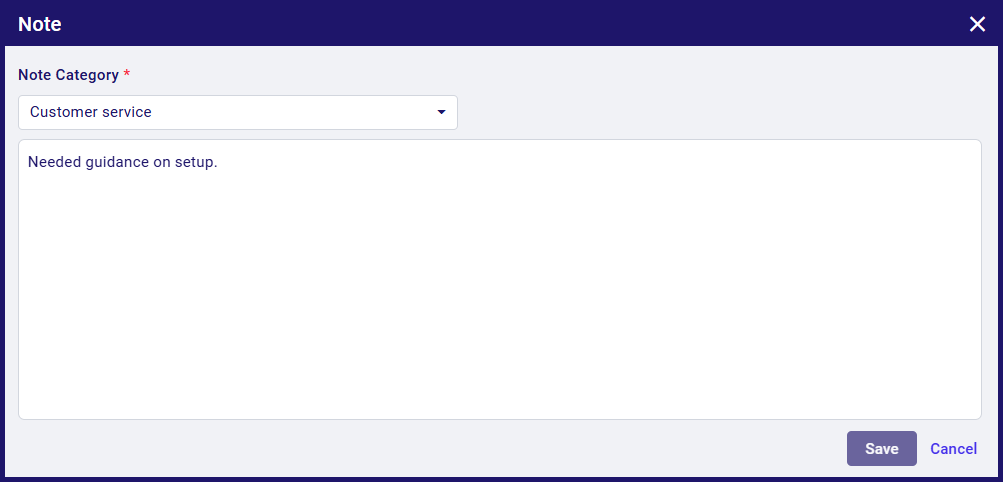
- Click the Open note link.
- Make the edits you need to make.
- Click the Save button.